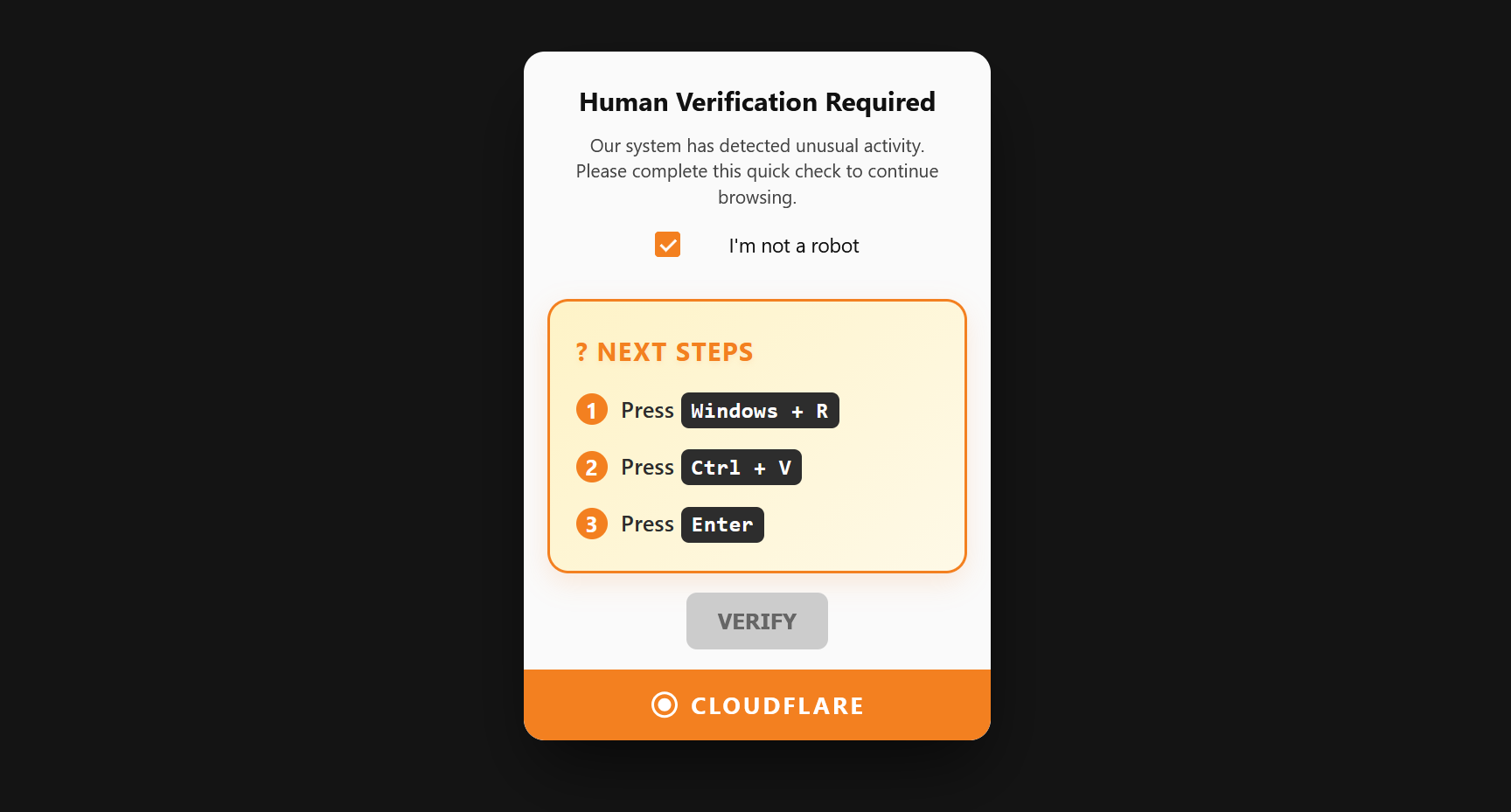
If a website asked you to press Windows + R, followed by Ctrl + V and Enter to “prove you are human,” this is a known scam. The website secretly places a malicious script on your clipboard, which executes when you press paste and run it.
The purpose of this scam is to download dangerous “info-stealer” malware that can steal your saved passwords, cryptocurrency wallets, and browser data.
Take the following steps immediately to protect your device:
- Disconnect from the internet: Unplug your Ethernet cable or turn off your Wi-Fi immediately. This prevents the malware from transmitting your data to a hacker’s server.
- Run a full system scan: Keep your Wi-Fi off and perform a full malware scan using Malwarebytes and your built-in Windows Defender.
- Change your passwords: Once you confirm your PC is clean, immediately change critical passwords (like banking, email, and social media) from a safe device.
For a detailed walkthrough on cleaning your system and restoring your security, review the Microsoft Learn community guide or the Malwarebytes analysis of the attack.
Share this page: